What it is#
Customers can turn off two kinds of email on their own: visit emails, and marketing emails. Each is a separate switch. Emails about their service, such as agreements and prices, are not affected.
When to use it#
Use this when a customer asks to stop getting emails, or when you are told a customer has opted out.
How to do it#
For the customer:
- Every visit email ends with a link to turn visit emails off. It opens their own page. At the bottom they press Stop these emails. They can undo it with Turn visit emails back on.
- Every marketing email ends with a link to unsubscribe. The page asks them to press Stop marketing emails. Their email program may also show a one-click unsubscribe, which does the same. They can undo it with Turn marketing emails back on.
For you, on the customer's record:
- Open the customer and find the two ticks: Send visit emails to this customer and Send marketing emails to this customer (offers and news).
- Under each tick is the latest change and who made it, for example "Turned off by the customer on" a date.
- To change one at the customer's request, tick or untick it and press Save details.
What your customer sees#
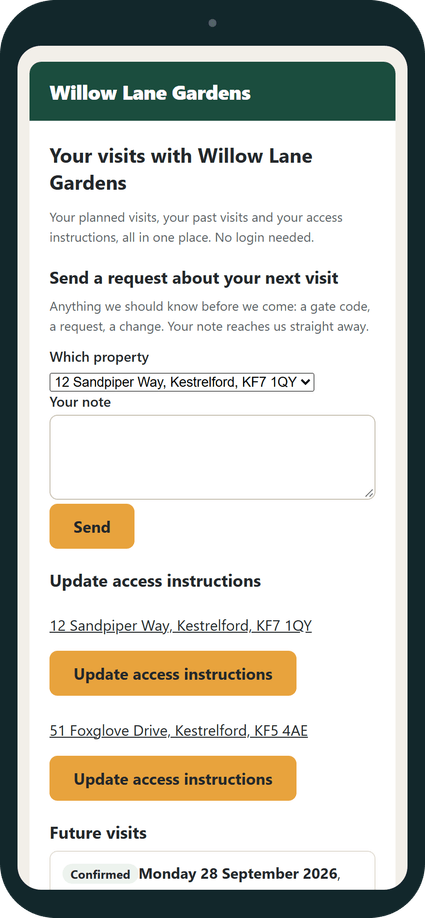
On their page, a section about visit emails explains that you email them when a visit is confirmed, with a button to stop. After unsubscribing from marketing, the page says marketing emails are off and that they will still get emails about their service.
What happens next#
You get a notice that the customer opted out, and their record shows the change. With visit emails off, they get no confirmation, moved, rearranged, back on, cancelled or not rearranged email, and the diary tells you so when you confirm or move a visit. With marketing off, they are left out of marketing group emails automatically.
Good to know#
- Turning off visit emails does not stop the paused visits email or season reminders. Those still go.
- Agreements, price changes, ending emails, their page link and transactional group emails still reach them.
- The notice A customer opts out of visit emails or marketing is on by default in Settings, Notifications.
- It works the same in automatic and self mode.
Related articles#
Not what you needed? Contact us and say what you were trying to do.